
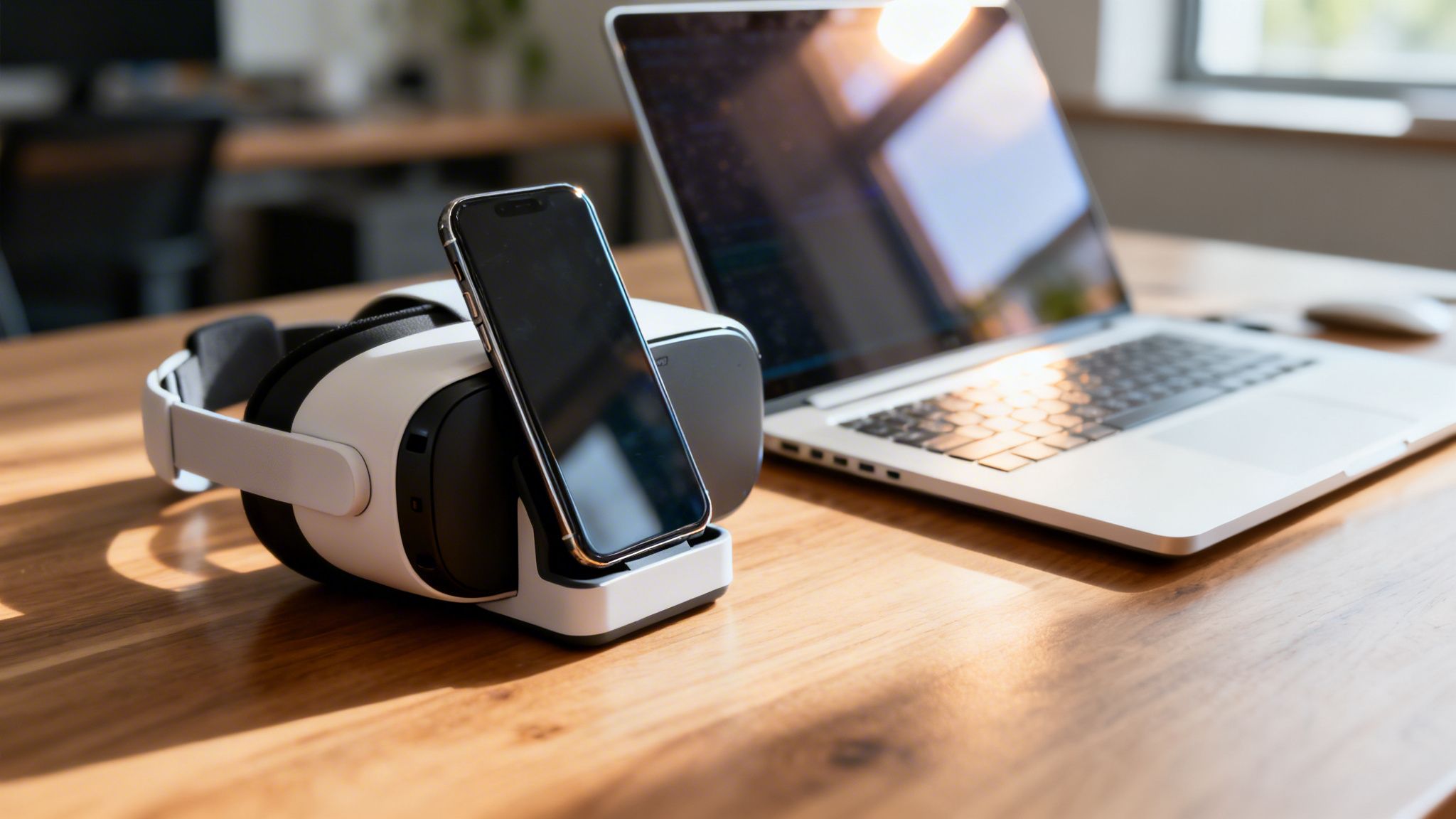
As a founder in the UAE, you know that speed and capital efficiency are non-negotiable. Using your smartphone with a VR headset is the leanest way to experiment with immersive tech—without the hefty price tag of high-end systems. It’s about leveraging the powerful computer you already carry to get a real business advantage.
For founders here in the UAE, staying lean is the name of the game. While big, expensive VR systems get all the media attention, combining a phone and VR headset is a practical way to get started. Forget gaming. This is about giving your startup an edge—think immersive product demos for clients in Riyadh, remote user testing from your Dubai office, or investor pitches that are impossible to forget.
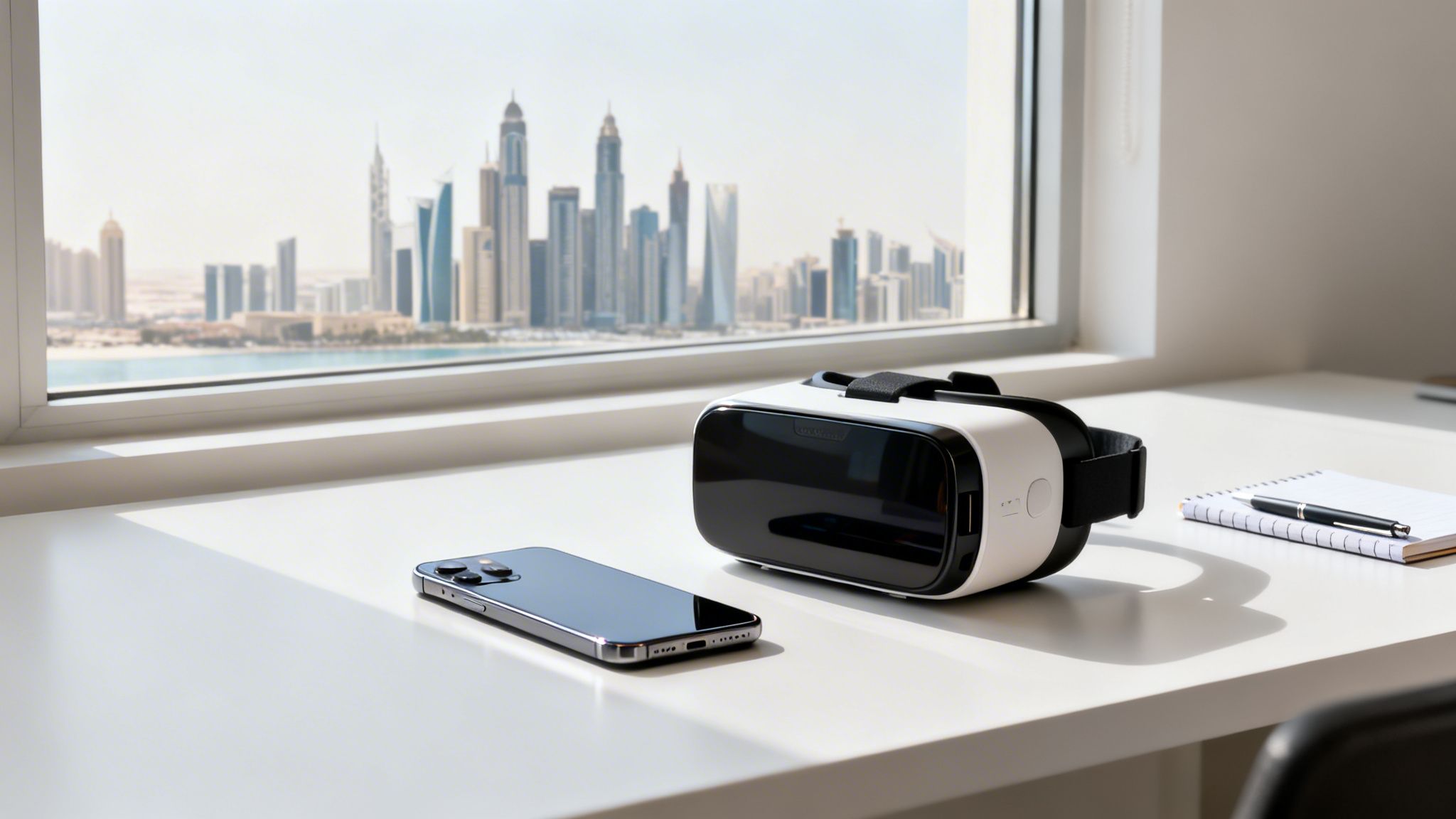
The concept is simple. The headset is a shell that holds your smartphone. Your phone’s screen becomes the display, and its built-in sensors—the gyroscope and accelerometer—track your head movements. This creates the feeling of being inside a virtual space. It's the perfect setup for validating ideas fast without burning through your seed funding.
This accessible approach is especially powerful in the MENA region. While not as flashy, phone-integrated VR headsets are making inroads in both entertainment and professional training. The investment for standalone hardware is significant, but smartphone-powered devices are what’s driving adoption across the UAE.
The numbers tell a similar story. While the broader VR market hit an AED 366.1 million baseline in 2024, it's the accessibility of phone-based VR that’s opening doors for countless startups. For founders, this means prototyping new applications—from virtual meetups to specialized training simulations for local industries like logistics and real estate—is more achievable than ever before.
This low-cost, high-impact combination lets you test the waters without a huge financial commitment. Before you sink money into expensive gear, you can test core assumptions and get real user feedback. If you’re looking to dive in, it helps to have a clear path; you can start your immersive tech journey with guides built for exactly that purpose.
Actionable Insight: For a founder, the ability to show, not just tell, is a superpower. A phone-based VR setup lets you transport an investor or a potential customer directly into your vision, making your pitch more memorable and impactful than any slide deck could ever be.
This approach cuts through the complexity and gets right to what matters for an early-stage company: speed, validation, and making an impact.
For busy founders, deciding where to invest time and resources is critical. This quick framework breaks down the practical differences between a phone-based setup and more expensive, dedicated VR systems.
The choice comes down to your immediate goal. If you need to quickly validate a concept, create a compelling pitch, or run simple user tests, a phone-based setup is an incredibly smart and efficient starting point. It gets the job done without the overhead.
Getting the right combination of phone and headset is the most important step. It's what makes the difference between a smooth, professional demo and a frustrating, laggy mess.
Here in the UAE, we have access to all the latest tech, but more choice can be confusing. The goal isn’t to grab the most expensive gear; it’s to find the most compatible setup. Your smartphone is the engine—it does all the work.
The visual quality of your VR experience comes down to your phone's screen. A sharp, high-resolution display is non-negotiable if you want to avoid the dreaded "screen door effect," where you can see the gaps between pixels.
Expert Tip: Founders often obsess over the headset, but forget the phone does all the heavy lifting. A top-tier headset paired with an underpowered phone will always deliver a poor experience. Get the phone right first.
Once you have a capable phone, picking a headset is easier. They fall into two main categories, each suited for different business needs.
If you want to go deeper, we have a full guide on finding the best VR headset for your phone.
You’ve got the right gear. Now, let’s turn it into a powerful business tool. This isn't about playing games; it's about crafting a seamless, professional experience that can win over an investor or give you crystal-clear user feedback.
The good news? For founders here in the UAE, you can go from unboxing to a business-ready immersive setup in under an hour.
The initial calibration is where most people get tripped up. Your goal is to get your phone's screen perfectly aligned with the headset's lenses. Most headsets have dials for interpupillary distance (the gap between your eyes) and focal distance.
Take a few minutes to nail this. Tweak the dials until the image is crisp and your eyes feel relaxed. This tiny adjustment makes a world of difference in preventing eye strain and ensuring your demo looks polished.
With the physical fit sorted, it’s time for software. You'll need a couple of essential apps. First, install a core VR platform app, like Google Cardboard, which helps sync your phone's sensors with the headset.
Think of this app as the operating system for your mobile VR setup. It’s what makes sure that when you turn your head, the virtual world moves perfectly in sync. This is critical for eliminating latency—the tiny delay that can trigger motion sickness and derail a presentation.
A few other key apps to grab:
This decision tree gives you a quick visual on the core compatibility checks you need to run on your phone.
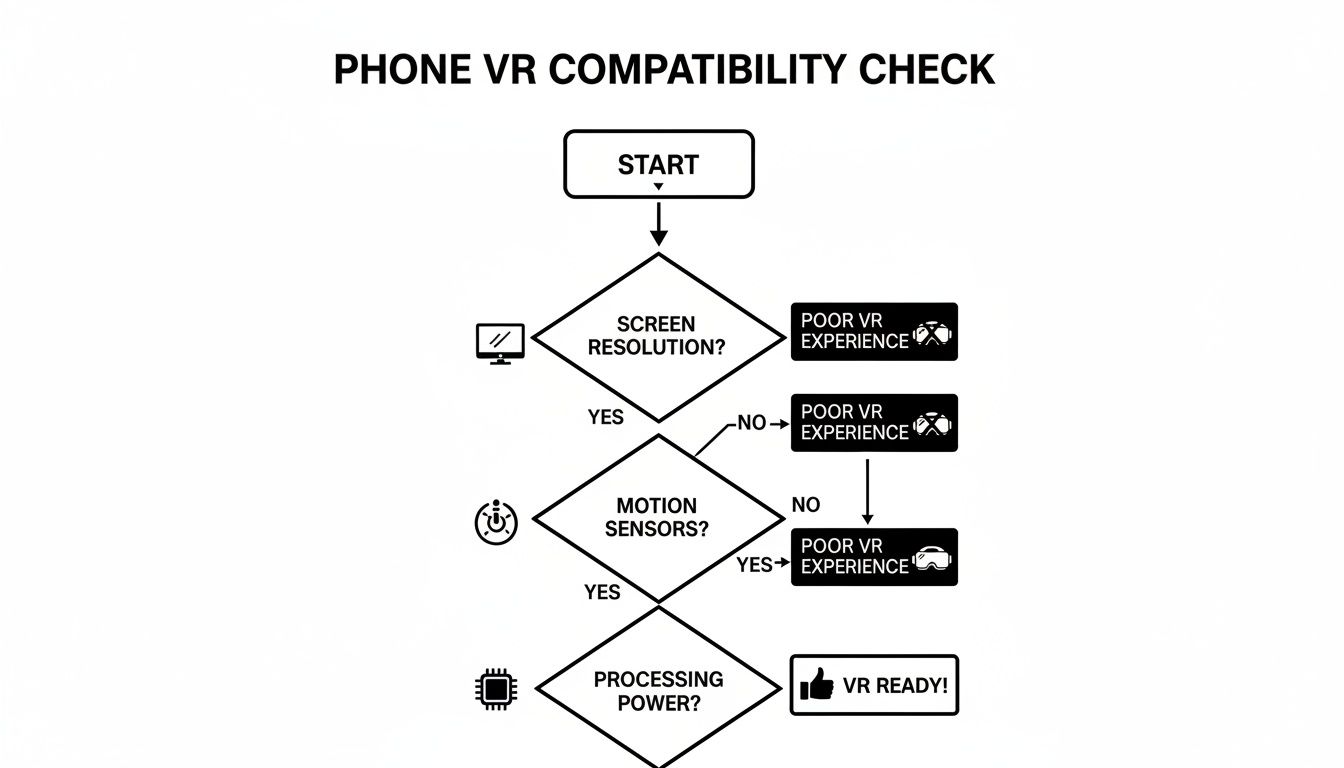
Your phone’s screen resolution, internal sensors, and processing power are the three pillars holding up any good phone-based VR experience.
Let's put this into practice. Imagine you want to create a virtual showroom for potential buyers in Riyadh and Jeddah.
This is an incredibly powerful tool for remote sales pitches. For more ideas, this guide on virtual reality for events has great insights for corporate applications.
Actionable Insight: The goal is to make the technology disappear. A perfectly calibrated setup allows your audience to focus entirely on your product or vision, not on the hardware they are wearing. This is where a simple demo becomes a truly persuasive experience.
This same principle works for internal team collaboration. Even platforms like Zoom now have VR versions that make remote meetings more engaging. You can learn more about making remote collaboration work by reading our guide on virtual mastermind best practices for UAE startups.
Theory is great, but how does this actually help you build your startup? Let's get practical with concrete ways a simple phone and VR headset combo can give you an edge in the fast-moving MENA market.
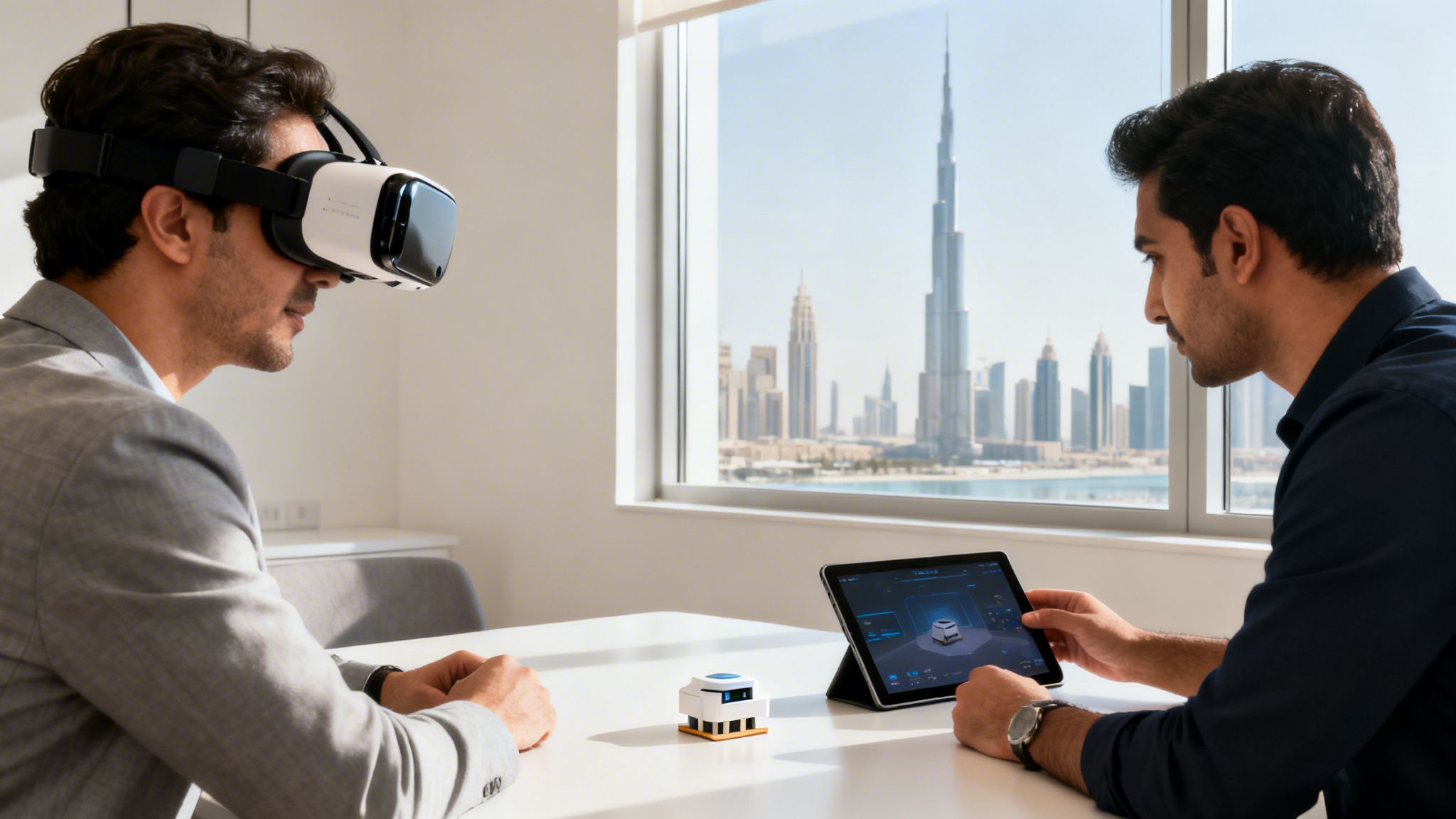
This setup can help you slash travel costs between GCC cities, build more compelling investor pitches, and get richer customer feedback without leaving your office. The trick is to focus on the business return, not the novelty.
Imagine walking an investor through a fully rendered skyscraper in Dubai before a single brick has been laid. That’s how VR is reshaping the UAE's real estate scene. In 2024, the UAE's surging VR market hit AED 366.148 million and is on track to break AED 1.6 billion by 2030. For a founder, that’s a massive opportunity.
Getting quality user feedback is tough when your customers are spread across Riyadh, Cairo, and Dubai. Shipping prototypes is slow and expensive. A phone and VR headset solves this. You can ship an inexpensive headset to a target user and have them walk through a virtual prototype.
Example: A founder in Dubai can watch a user in Riyadh interact with a virtual product in real time, noting every hesitation and moment of delight. This isn't just data; it's deep empathy built at a fraction of the cost of in-person testing.
For startups in logistics, construction, or real estate, physical site visits are a logistical headache across the MENA region. A 360-degree video walkthrough changes the game.
The playbook is simple: find a high-cost, high-friction activity that depends on physical presence. Then, ask yourself if an immersive experience could accomplish 80% of the goal for 20% of the cost.
You’ve set everything up, but minutes before a big pitch, something goes wrong. It happens. Most common issues are surprisingly easy to fix if you know what to look for.
A blurry or drifting image is the most frequent complaint. It shatters the immersion and looks unprofessional.
VR apps are demanding and can cause your phone to overheat or lose connection with a Bluetooth controller.
Finally, a few practical tips for a great experience:
This guide has armed you with the practical know-how to turn a simple phone and VR headset into a serious advantage. Now, it's time to translate that knowledge into action.
The goal isn't to become a VR expert overnight. It's to run a quick, small-scale experiment to see if this tech can solve a real business problem for you—whether that's pitching investors, testing a product, or training your team.
The link between smartphones and VR is growing stronger in the UAE's tech scene. The related augmented reality market showed the UAE generated USD 1,755.4 million in 2025, with hardware sales making up the biggest slice. You can see more data on the UAE’s augmented reality market on Grand View Research. For founders, this is a clear signal: there's a massive opportunity to build ventures around accessible phone-VR solutions.
Next Step: The best way to test any new strategy is to run a simple, low-cost experiment. Your first dive into VR should take less than a day and give you a clear "yes" or "no" on its potential for your startup.
Get your team together. Use these questions to identify your first, most impactful use case.
Once you have an answer, it’s time to move. Pick one idea and run with it.
Your mission is to create one simple, valuable VR asset this week. A great starting point for many founders is to create a 360-degree video of their product or workspace. It's fast, doesn't require deep technical skills, and gives you something tangible to show stakeholders. As you build it, think about how it could be used at major regional events; our guide on the GITEX exhibition in Dubai shows where demos like this can make a real impact. This closes the gap between an idea and a real-world asset, giving you the momentum to build a stronger company.
At Founder Connects, we believe progress comes from action and collaboration. If you’re a founder in the MENA region looking for a trusted peer group to share challenges, get honest feedback, and make smarter decisions, we’re here to help. Join a community built by founders, for founders. https://www.founderconnects.com


